Prerequisite: You have purchased a license and received a license key via e-mail.
The same license key can be activated by the number of users that has been purchased. Each licensed user follows these steps to activate the Meetly license in Microsoft Teams.
Steps:
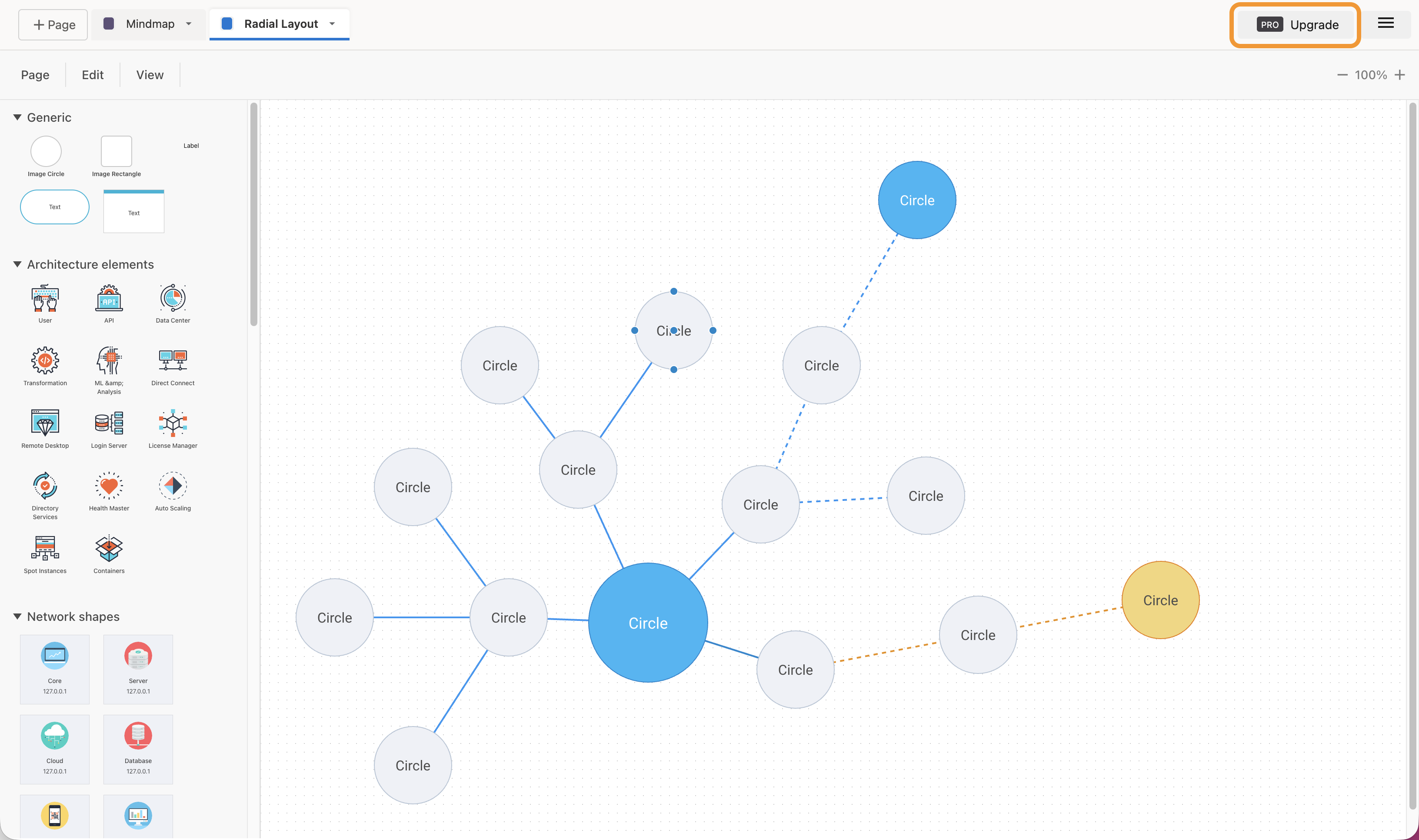
- Open Meetly in one of your channels. In the Meetly app, click PRO Upgrade.
- Copy the license key into the input field.
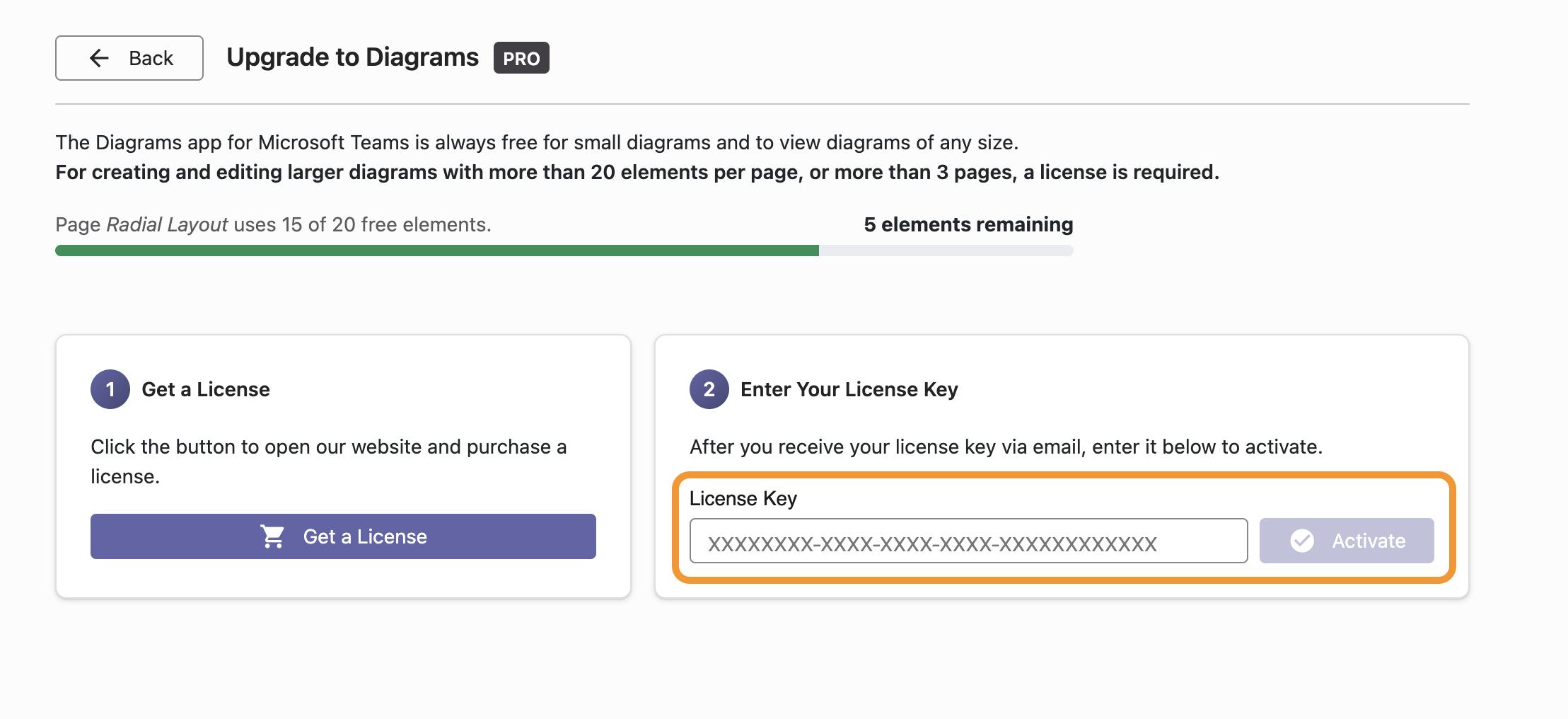
- Click Activate. Done!
Please contact us if you have any questions or need help with the installation.